Microsoft Teams and Copilot alternative

Microsoft Copilot alternative for teams: an assistant per seat, or AI teammates in a shared room?

Look for a Microsoft Copilot alternative for teams if you pay for Copilot seats and meetings still end with no visible owner. Stay with Teams and Copilot if your work lives in Office files and scheduled meetings. Roomcord is a shared project room where people and AI teammates work from the same conversation, files and meetings. It runs next to Teams, not in place of it.

The short answer

Look at Roomcord if:

  • Meetings produce a summary, and the next step still has no owner the team can see.
  • People ask AI in private, and the answer often stays there.
  • You want to agree where the room and its agents run. Roomcord is designed for infrastructure your company controls.

Stay with Teams and Copilot if:

  • Your day is Word, Excel, Outlook and SharePoint. Copilot works inside those apps. Roomcord does not.
  • Scheduled meetings, large events or Teams Phone drive your work.
  • You need US government cloud, education licensing or a compliance archive.

What this page is: a dated comparison by Bewize, the maker of Roomcord. Microsoft prices and limits link to their sources. Roomcord claims follow a check of the production build on November 15, 2026. Its availability section lists what is in development. Reviewed November 15, 2026.

Why teams look for a Microsoft Copilot alternative in 2026

“Now there is a usage meter on top of the seat price”

On September 25, 2026, Microsoft told admins that usage-based billing with Copilot Credits rolls out in Q4 2026 (MC1479276, message center mirror). It covers frontier models, advanced AI and users who extend a limit. In Enterprise tenants it stays off until an admin creates a spending policy. The pricing page already lists Cowork and Autopilot as usage-based.

“We already pay for Microsoft 365. Copilot is another $21 a seat”

Microsoft 365 Copilot is an add-on to a qualifying plan, or part of Microsoft 365 E7 (license options, dated October 19, 2026). Suite list prices also changed on July 1, 2026.

“We bought seats for everyone and cannot hand them back”

Copilot Business needs an annual commitment, with a 7-day window for a prorated refund. One partner states that partner-bought annual seats cannot be cancelled or reduced after 168 hours (Giacom FAQ, not Microsoft terms). You pay for unused seats until renewal.

“I only want meeting notes. Do I need Copilot?”

Not always: intelligent recap comes with Teams Premium or with Copilot (Microsoft support). With Copilot, questions after the meeting need a transcript. It does not work in meetings hosted by another organization or in end-to-end encrypted meetings.

“Copilot shows people what they can already open”

Copilot answers from the data a user may already access, so files shared too widely become easy to find. Microsoft’s deployment blueprint (November 11, 2026) starts with oversharing cleanup.

What Microsoft 365 Copilot costs now

US list prices as of November 2026, from Microsoft’s business and enterprise pricing pages.

PlanList priceAI includedLimit or meter
Copilot ChatNo additional cost with eligible plansWeb-grounded AI chatAgents priced on a metered basis
Copilot Business add-on$21 per user per month, paid yearly. $18 in year one for eligible customers who buy by December 31, 2026. $25.20 monthlyCopilot in Microsoft 365 apps and TeamsBase plan, annual commitment, 300 users maximum. Cowork and Autopilot usage-based
Business Standard or Premium with Copilot$23.50 or $32.00 per user per month, paid yearlySuite plus Copilot300 users maximum. Advanced AI usage-based
Enterprise Copilot add-on$30 per user per month, paid yearlyCopilot in Microsoft 365 apps and TeamsQualifying plan required. Cowork metered

For 25 people, the Copilot Business add-on costs 25 x $21 x 12 = $6,300 a year at list, on top of the base plan. The promotion makes year one $5,400. If 10 seats go unused after the 7-day window, that is $2,520 a year with no return (an example, not a measurement). Teams Premium is not listed, because we could not verify its price.

Roomcord has no public price list and no self-serve signup. Pricing is by quote, after a demo on your own workflow. Ask for the included usage and the overage terms in writing.

Microsoft Teams with Copilot vs Roomcord at a glance

QuestionTeams with Microsoft 365 CopilotRoomcord
Where does the AI work?Inside Teams, Outlook, Word, Excel and PowerPoint, as an assistant for each licensed user.In shared project rooms. AI teammates reply where the question was asked, and the room reads the reply.
What does the AI know?The Microsoft 365 data the user may already access.The room: conversation, files, meeting recaps and Room Context. Assistant, your personal agent, answers across your rooms. No Microsoft 365 connector is claimed.
What happens after a meeting?Copilot summarizes who said what, suggests action items and answers questions. Later questions need a transcript.Meeting Mode records on mobile or web, up to two hours. Roomcord transcribes the recording, and a recap with a shareable link is posted in the room. The recap proposes names and dates, and a person confirms them. Automatic tracking, reminders and chasing are in development.
What are the limits or meters?Per-seat license, annual commitment and 300-user cap on Copilot Business, usage-based billing for advanced AI.No public price list or published meter. Usage terms are in the quote.
Where does it run?Microsoft’s cloud, with commercial, US government and education offers.Designed for private cloud or data-center infrastructure that the company controls. Placement is agreed per deployment. No compliance certificate is claimed here.
What does it not do?No Copilot in meetings hosted by another organization or in end-to-end encrypted meetings.No Office co-authoring, no telephony, no automatic follow-up yet. No Teams connection: the Teams adapter is roadmap only.

Sources: Microsoft’s support and admin policy pages, and Roomcord’s deployment model.

The same job in both products

The job: a weekly project review ends. Nobody said who owns the call to the supplier.

In Teams with Copilot. If transcription was on, each licensed attendee can get a summary with who said what and suggested action items, and can ask later what was decided.

A person still accepts the supplier call, sets a date and puts it where the team tracks work. What each person asks Copilot is visible to that person, so the answer reaches the team when someone posts it.

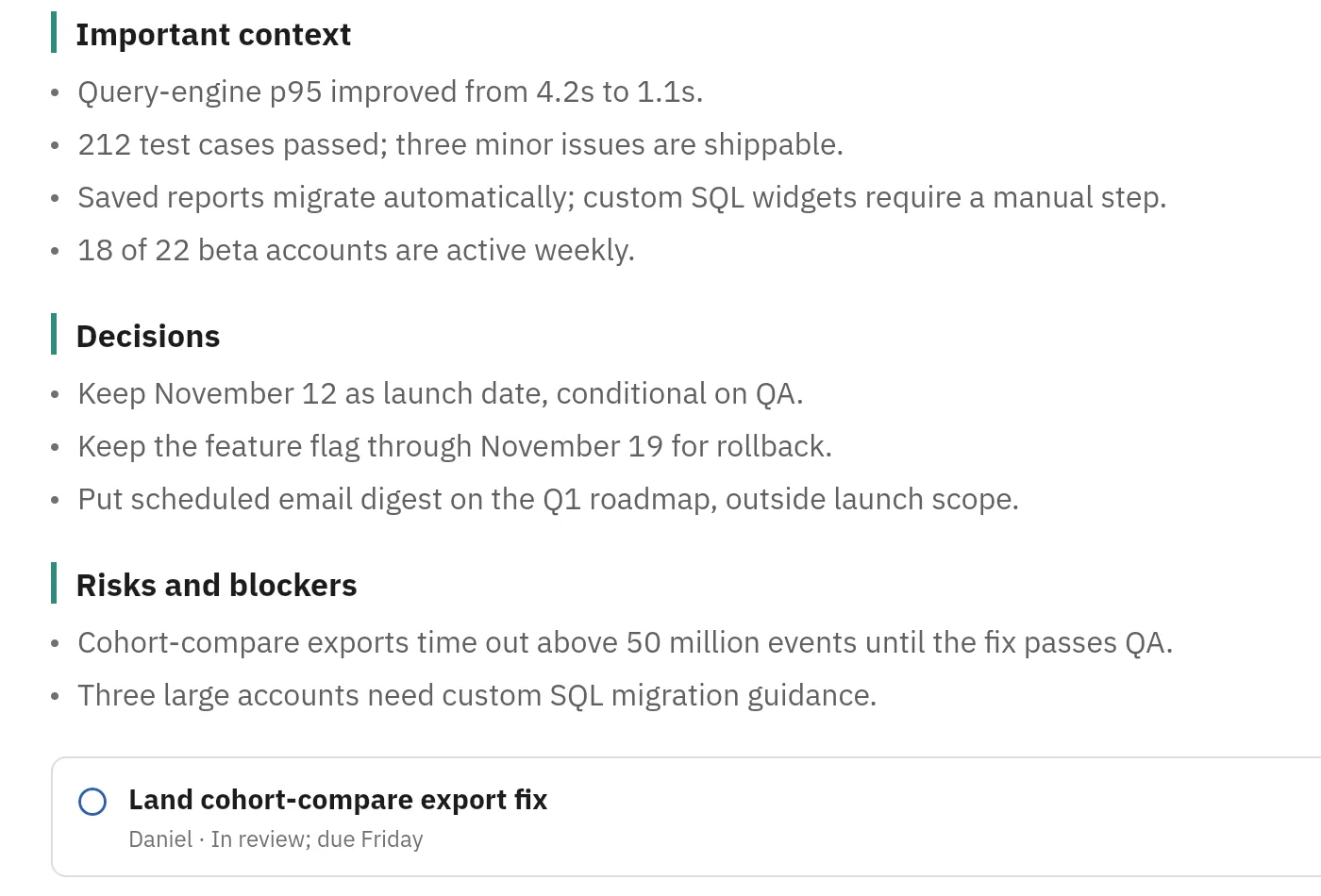
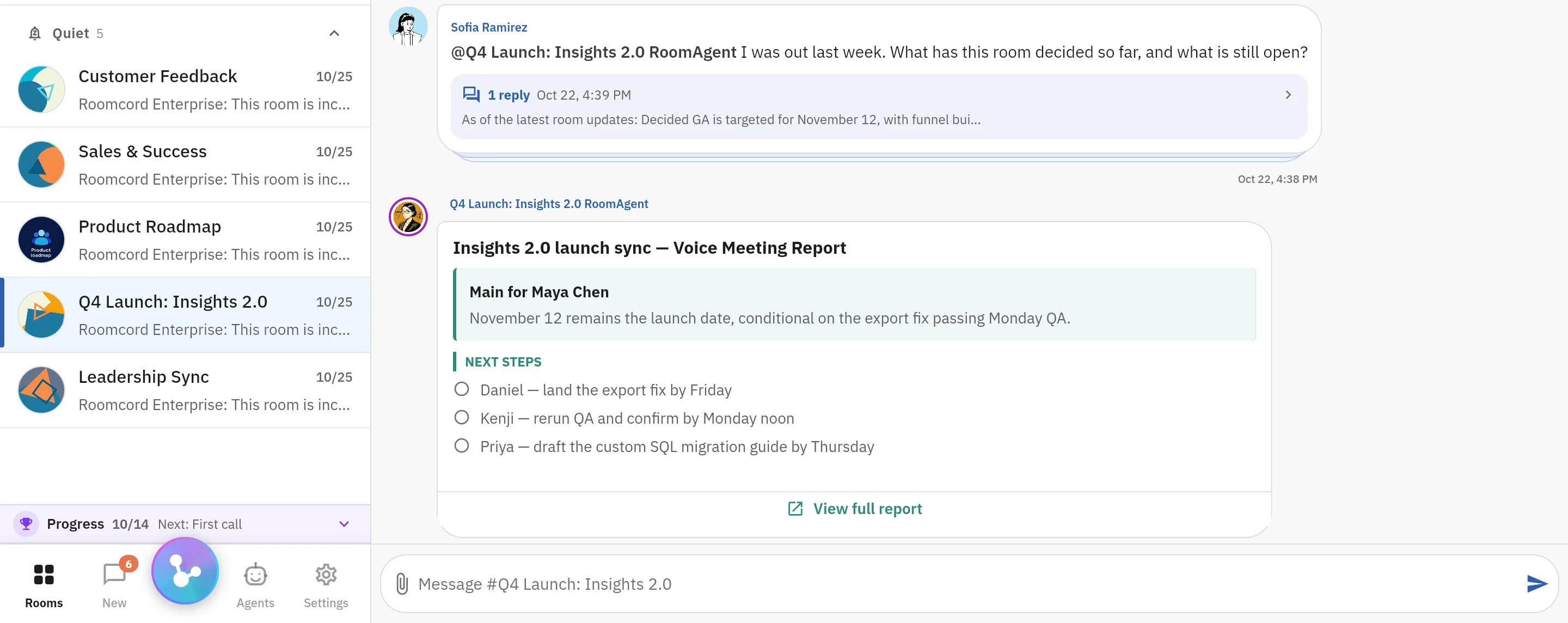
In Roomcord today. The team records the review in its project room with Meeting Mode, on mobile or web, up to two hours. Roomcord transcribes the recording, and a recap is posted in the room, next to the project’s files and threads.

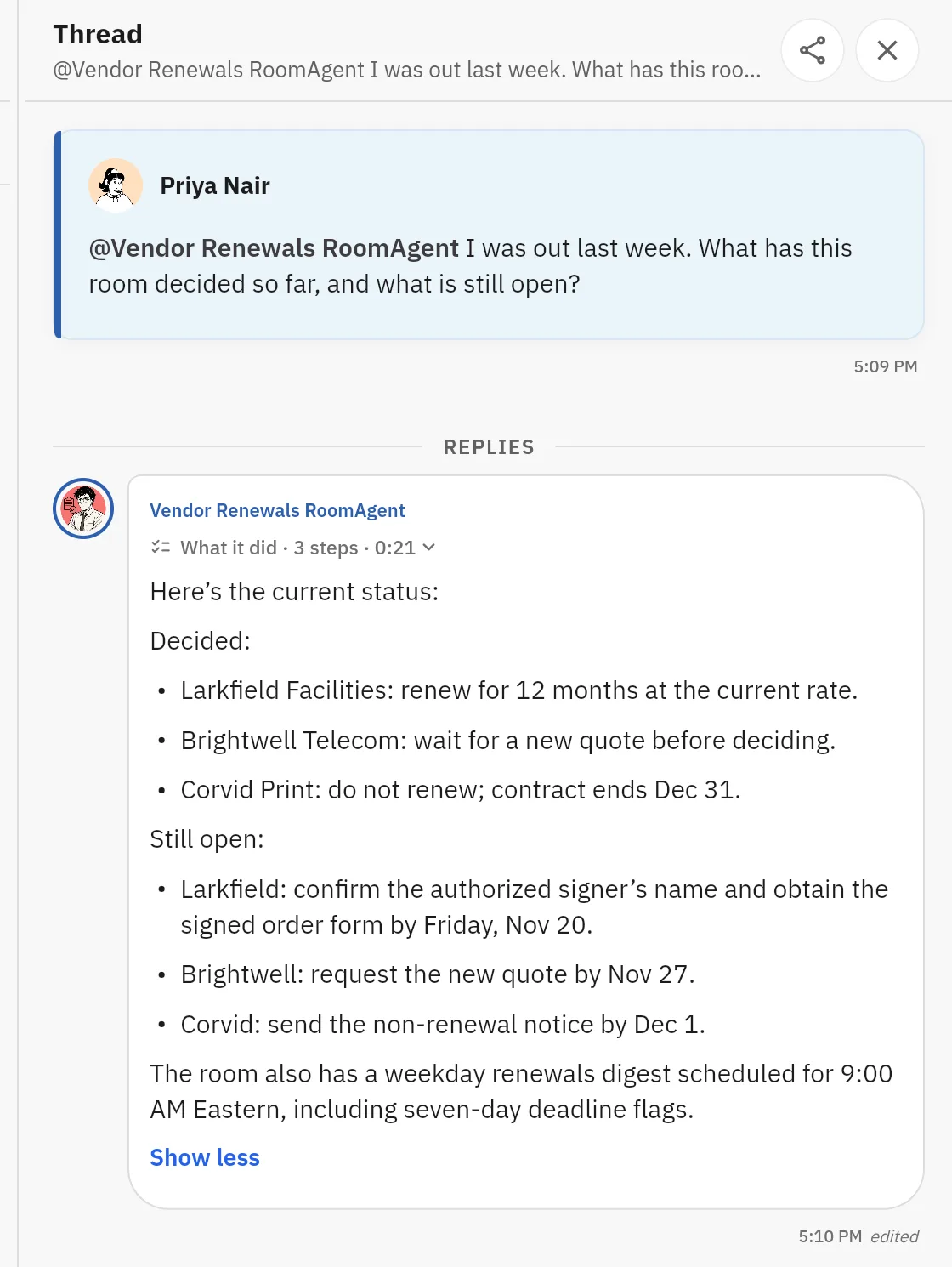
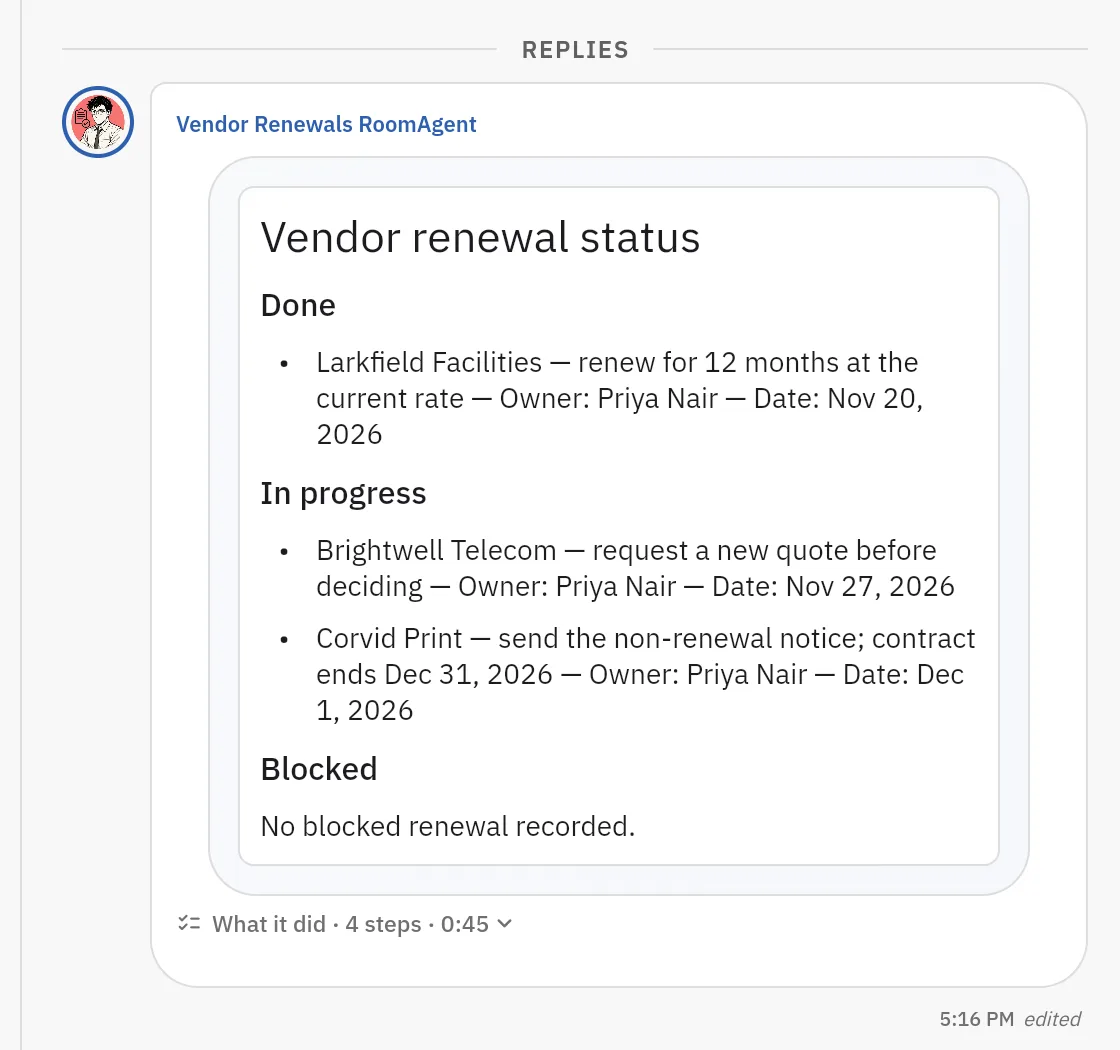
Anyone in the room can @mention an AI teammate under the recap and ask what was agreed, and the room sees the reply. What is manual: the recap proposes names and dates from the conversation, and a person confirms who owns the supplier call and by when. Automatic tracking, reminders and chasing are in development. Roomcord does not join a Teams call, so the meeting must be captured in Roomcord.

Where Teams and Copilot are stronger

  • Office files. Word and Excel co-editing happens in the conversation, with files in SharePoint and OneDrive. Even Slack’s comparison says so.
  • Large meetings and telephony. The same page lists events of up to 10,000 participants. Microsoft documents Teams Phone call queues and PSTN calls (Microsoft Learn).
  • Cost when you already pay. Copilot Chat comes with eligible plans at no additional cost.
  • Regulated environments. Copilot is available as an add-on in GCC, GCC High and DoD environments, and for education (license options).
  • Archive. Microsoft’s export page names archive and backup products from Smarsh, Proofpoint, Rubrik and Veeam.

What Roomcord does not replace

  • Word, Excel and PowerPoint co-authoring, or SharePoint and OneDrive as your file system.
  • Teams Phone, call queues, webinars and town halls.
  • Microsoft 365 identity, retention and eDiscovery. Roomcord claims no compliance certificate here.
  • Copilot inside Outlook, Word and Excel.

Run it next to Teams first

  1. Pick one recurring workflow: a meeting that produces follow-up.
  2. Open one room for it. Add the people who do that work and one AI teammate.
  3. Keep everything else in Teams. Migrate nothing.
  4. After three or four cycles, count what the agent got right, what people corrected and what stayed manual. Use the same six questions for both tools.

The cost: a second app for that workflow, because the Teams adapter is roadmap only. The test is a pilot agreed with us after a demo. Roomcord has no self-serve signup.

Leaving Teams: what to check first

  • No export button. Messages leave through the Teams Export APIs (page dated July 20, 2026), with an app that an admin approves: 1:1, group and meeting chats, and channel messages. Transcripts and recordings are covered for private scheduled meetings only.
  • Export before you remove licenses. Each exported user needs an active Teams license. Messages of deleted users and teams stay retrievable for 30 days.
  • API cost. The APIs start in evaluation mode with limited usage, and the page gives no price. Ask before a bulk export.
  • Files move separately. A team’s files are stored in SharePoint.
  • Renewal. Copilot Business renews automatically each year (Microsoft pricing). The $18 promotion covers the first year only.

Questions people ask about Microsoft Copilot and Roomcord

Is Microsoft 365 Copilot worth it for a small team?
It pays off when most seats use it each week in Office apps and Teams meetings. As of November 2026, 25 Copilot Business seats cost $6,300 a year at list, on top of the base plan (Microsoft pricing).
Is Copilot included in Microsoft 365 or Teams?
Copilot Chat is, at no additional cost with eligible plans. Microsoft 365 Copilot is a paid add-on or part of Microsoft 365 E7 (Microsoft Learn).
Can I get Teams meeting notes without Copilot?
Yes. Intelligent recap also comes with Teams Premium (Microsoft support). In Roomcord, you record the meeting in a room and a recap is posted there. Roomcord does not join a Teams call.
Is Roomcord a Microsoft Teams alternative?
Not a full one. It does not replace Office co-authoring, Teams Phone, large events or Microsoft 365 compliance tools. It runs next to Teams for one workflow, and the Teams adapter is roadmap only. If you also weigh Slack, see Roomcord vs Slack AI or the other comparisons.
How much does Roomcord cost?
Roomcord has no public price list, no free tier and no self-serve signup. Pricing is by quote, after a demo on your own workflow.
What works in Roomcord today?
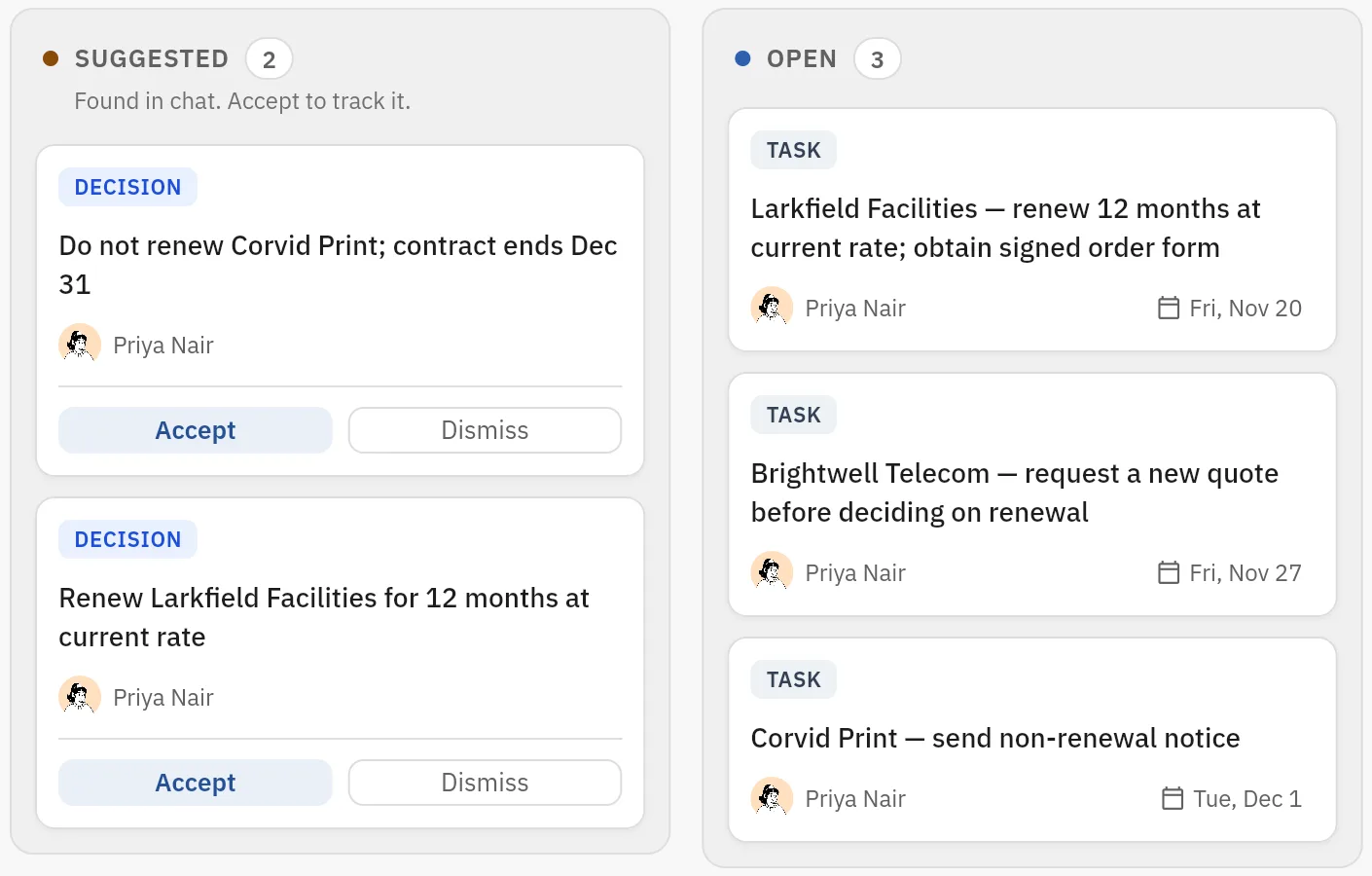
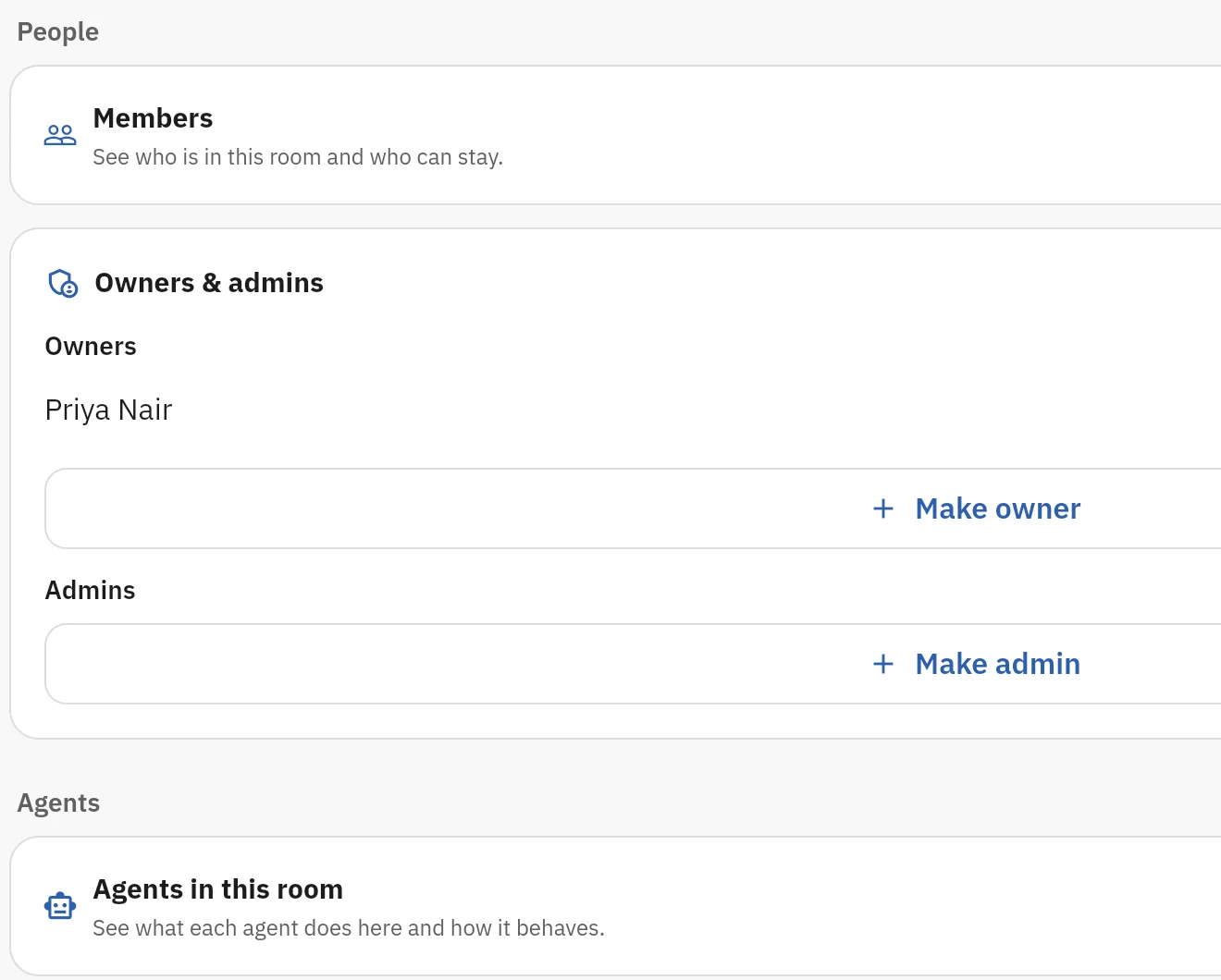
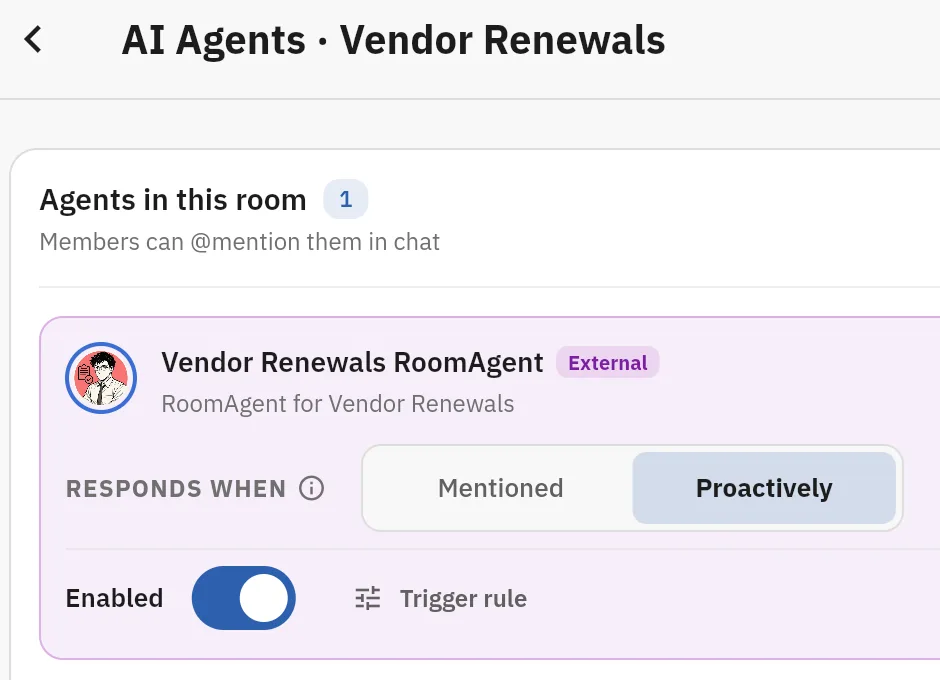
Shared rooms, chat, files, meeting capture with a report, AI teammates that answer in the room, the room Board with suggested cards that a person accepts, scheduled agent jobs, and room access for A2A-compatible external agents. Automatic reminders and follow-up, approval ballots and boss view are in development. Pilot scope is agreed for each team.

Bring one recurring workflow

Pick one recurring meeting or handoff that keeps losing its owner. We show it in a Roomcord room: what works today, what stays manual, what is in development. Pilot scope and price follow.

+1 332 2081410
[email protected]

Request a demo

Share a little context. Our team will reply by email to arrange the next step.