
Tenant browser profile
Keep profile paths and browser session state represented inside the tenant runtime environment.
Browser isolation
Isolate browser sessions for AI agents by assigning browser profiles, runtime state, and artifacts to the tenant boundary that owns the agent. In Bewize, Browser Sidecar is the implemented server-side boundary for Wize Browser and managed agents; it does not by itself promise universal security or compliance.
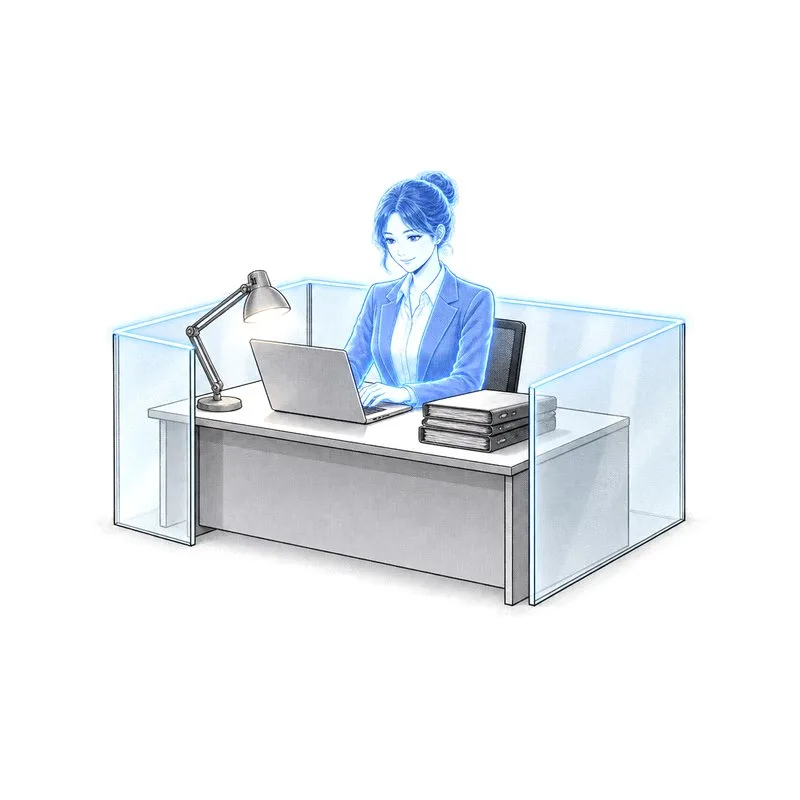
A useful review follows browser state from the managed agent to its tenant runtime.
Keep profile paths and browser session state represented inside the tenant runtime environment.
Treat authentication artifacts, storage, and workspace links as tenant-scoped runtime evidence.
Connect browser work to Bewize Hub identity, policy, credentials, and operational review.
Map browser profiles, credentials, artifacts, and review controls to your tenant operating model.

Architecture conversation
Share your deployment boundary, number of agents, work surfaces, and governance requirements. We will reply by email to arrange a focused technical discussion.
Email the Bewize teamThis opens your email application. Read our Privacy Policy.